S
other- Words
- 404
- Reading time
- 2 min
- Last crawled
- 2026-09-27
- Language
- EN
cat smashsend.com/integrations/pabbly.md
1. [ Home ](https://smashsend.com/) / 3. [ Integrations ](https://smashsend.com/integrations) / 5. [ Pabbly ](https://smashsend.com/integrations/pabbly) ## Automate your email marketing with Pabbly Connect Connect SMASHSEND with 2,000+ apps to create powerful automations. No coding required. Set up in minutes. 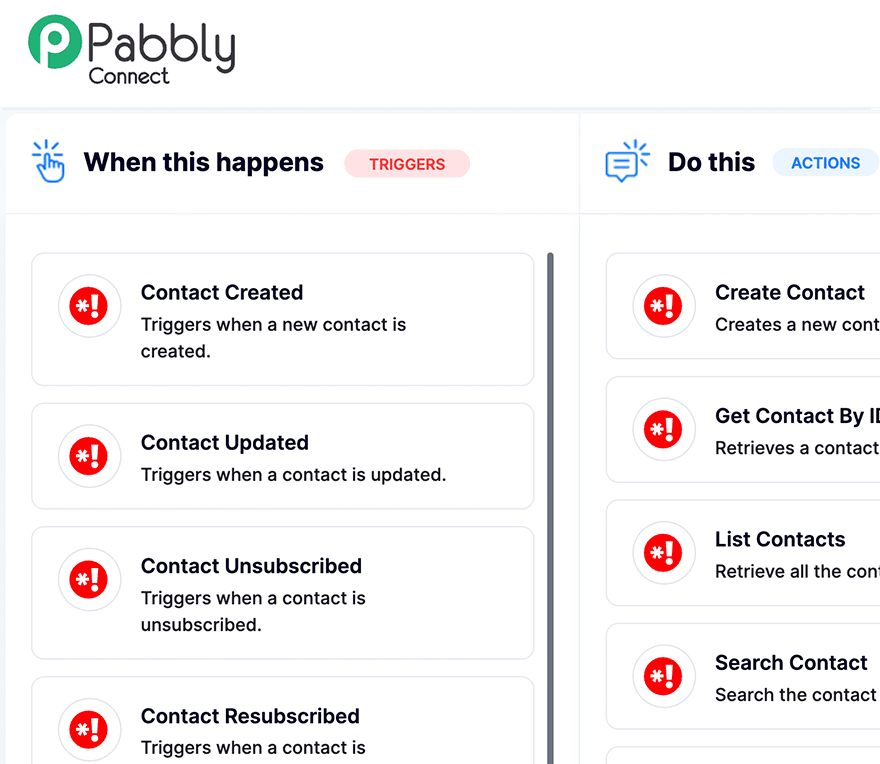 ## What is Pabbly Connect? Pabbly Connect is a powerful automation platform that allows you to integrate SMASHSEND with thousands of other applications. Create workflows that automatically sync data, trigger actions, and streamline your email marketing processes—all without writing a single line of code. ## Key Features ### Real-time Sync Automatically sync contacts between SMASHSEND and your other apps. Keep your email lists updated in real-time. ### Workflow Automation Create multi-step workflows that trigger email campaigns based on events in other apps like form submissions or purchases. ### No Code Required Set up integrations with a simple drag-and-drop interface. No technical knowledge needed. ## Popular Use Cases There are endless ways to connect SMASHSEND with your favorite apps. Here are some of the most popular automations our users love: - Add new Mailchimp subscribers to SMASHSEND contact lists automatically- Post new SMASHSEND campaign metrics to a Slack channel for team updates- Add new Salesforce leads to SMASHSEND and trigger welcome email sequences- Send SMS via Twilio when important SMASHSEND emails are opened- Create SMASHSEND contacts from new Shopify customers and send order confirmations- Send email reminders via SMASHSEND for upcoming Google Calendar events- Add Facebook Lead Ads contacts to SMASHSEND with automatic tagging- Sync WooCommerce order data to SMASHSEND for abandoned cart emails- Update HubSpot contact properties when SMASHSEND email engagement occurs- Create Trello cards when high-value contacts engage with SMASHSEND campaigns ## How to Get Started Connect SMASHSEND to Pabbly in just a few minutes. Here's how: 1 #### Log in to Pabbly Connect Sign up for a free Pabbly account and navigate to the Connect dashboard 2 #### Create a Workflow Click “Create Workflow” and give it a descriptive name like “Sync Shopify to SMASHSEND” 3 #### Choose Your Trigger Select your trigger app (e.g., Shopify, Stripe, Google Forms) and the event that starts your workflow 4 #### Add SMASHSEND Action Select SMASHSEND as your action app and choose what to do (create contact, send email, update properties) 5 #### Connect Your API Key Enter your SMASHSEND API key from Settings → API in your SMASHSEND dashboard 6 #### Test & Activate Test your workflow with sample data, then activate it. Your automation is now live! ## Ready to automate your email marketing? Join thousands of businesses using SMASHSEND with Pabbly Connect to save time and grow their audience.
