- Words
- 404
- Reading time
- 2 min
- Last crawled
- 2026-09-27
- Language
- EN
-
[
Home
/
-
[
Integrations
/
-
[
Pabbly
Automate your email marketing with Pabbly Connect
Connect SMASHSEND with 2,000+ apps to create powerful automations. No coding required. Set up in minutes.
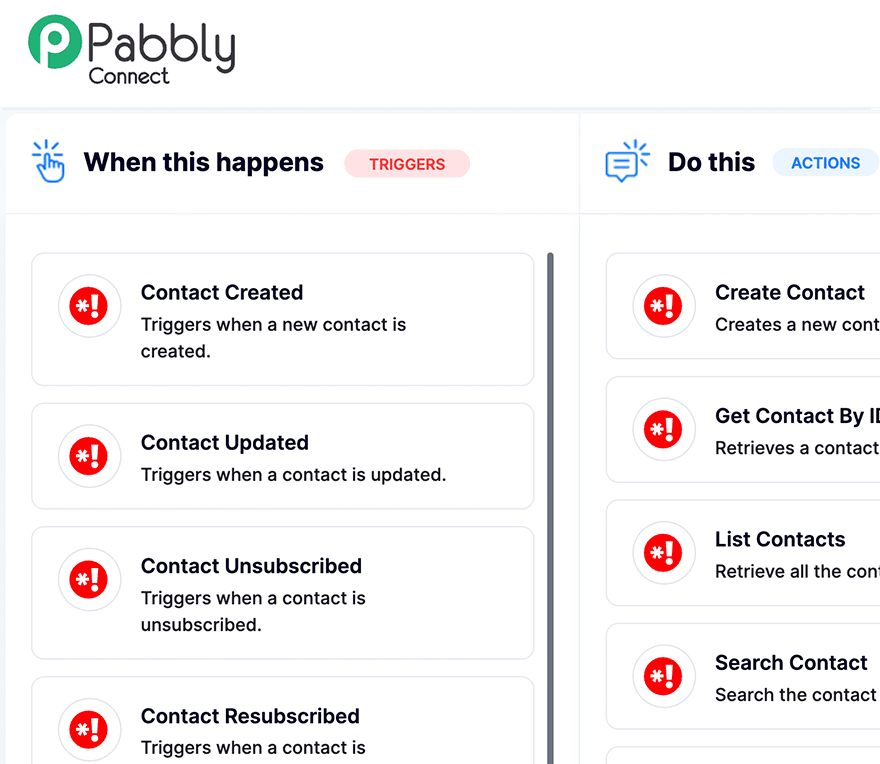
What is Pabbly Connect?
Pabbly Connect is a powerful automation platform that allows you to integrate SMASHSEND with thousands of other applications. Create workflows that automatically sync data, trigger actions, and streamline your email marketing processes—all without writing a single line of code.
Key Features
Real-time Sync
Automatically sync contacts between SMASHSEND and your other apps. Keep your email lists updated in real-time.
Workflow Automation
Create multi-step workflows that trigger email campaigns based on events in other apps like form submissions or purchases.
No Code Required
Set up integrations with a simple drag-and-drop interface. No technical knowledge needed.
Popular Use Cases
There are endless ways to connect SMASHSEND with your favorite apps. Here are some of the most popular automations our users love:
- Add new Mailchimp subscribers to SMASHSEND contact lists automatically
- Post new SMASHSEND campaign metrics to a Slack channel for team updates
- Add new Salesforce leads to SMASHSEND and trigger welcome email sequences
- Send SMS via Twilio when important SMASHSEND emails are opened
- Create SMASHSEND contacts from new Shopify customers and send order confirmations
- Send email reminders via SMASHSEND for upcoming Google Calendar events
- Add Facebook Lead Ads contacts to SMASHSEND with automatic tagging
- Sync WooCommerce order data to SMASHSEND for abandoned cart emails
- Update HubSpot contact properties when SMASHSEND email engagement occurs
- Create Trello cards when high-value contacts engage with SMASHSEND campaigns
How to Get Started
Connect SMASHSEND to Pabbly in just a few minutes. Here's how:
1
Log in to Pabbly Connect
Sign up for a free Pabbly account and navigate to the Connect dashboard
2
Create a Workflow
Click “Create Workflow” and give it a descriptive name like “Sync Shopify to SMASHSEND”
3
Choose Your Trigger
Select your trigger app (e.g., Shopify, Stripe, Google Forms) and the event that starts your workflow
4
Add SMASHSEND Action
Select SMASHSEND as your action app and choose what to do (create contact, send email, update properties)
5
Connect Your API Key
Enter your SMASHSEND API key from Settings → API in your SMASHSEND dashboard
6
Test & Activate
Test your workflow with sample data, then activate it. Your automation is now live!
Ready to automate your email marketing?
Join thousands of businesses using SMASHSEND with Pabbly Connect to save time and grow their audience.
