Linear
Coding sessions: environments, browser use, and updated pricing – Changelog
/changelog/2026-08-20-coding-environments
- Words
- 590
- Reading time
- 3 min
- Last crawled
- 2026-09-26
- Cited by
- 4 of their pages
- Language
- EN
Elapsed00:00
Remaining time unknown
Linear Agent can now set up, run, and test your code before returning its work. That means fewer handoffs and changes that are further along when they come back to you.
We’re also introducing lower, more transparent pricing, making AI credit usage easier to understand and control.
Configurable environments
Coding sessions now automatically adapt to each codebase’s configuration, with broader out-of-the-box support for Python, Ruby, Go, and more.
During a session, Linear detects and installs the toolchains and dependencies it needs to complete the task. Teams can go further by pinning runtime versions, adding setup scripts, and defining environment variables.
To get started, create an environment in settings. Visit the docs for more details.
Browser testing
Once the application is running, Linear Agent tests its work where users experience it: in the browser.
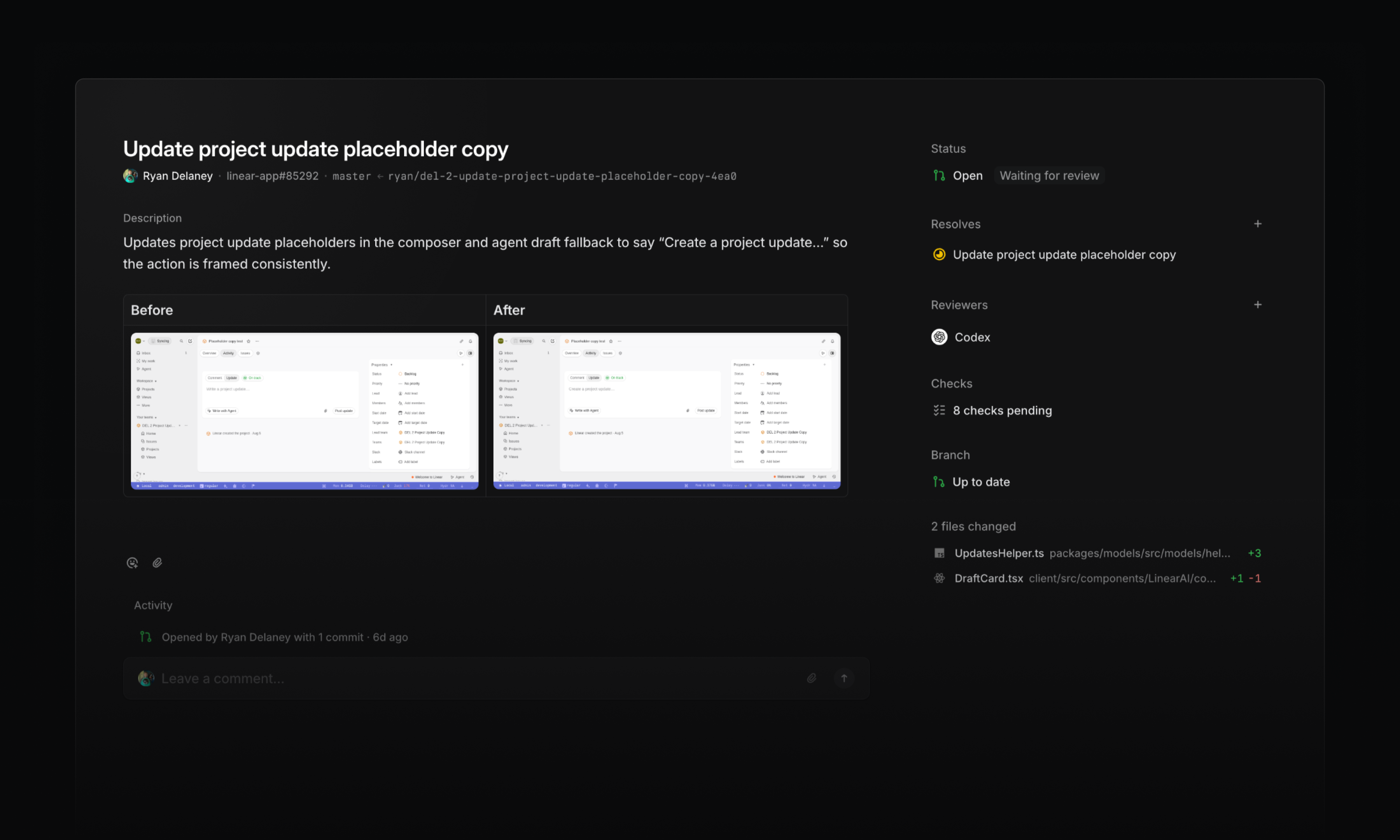
The agent opens the app, navigates through a flow, and verifies its implementation. It also captures before-and-after screenshots, making visual changes easier to review alongside the code.
Browser testing can catch broken interactions and visual regressions that code review alone might miss. If the agent finds a problem, it can make a fix, rerun the test, and return the work with that validation complete.
Transparent pricing
As coding sessions take on more work, costs need to be easy to understand and easy to control.
Starting today, coding sessions use a lower-cost pricing model with two components:
- Model usage: Tokens are charged at the provider’s published rates, with no markup
- Sandbox runtime: Charged at $0.25 per 20-minute block
Together, model usage and runtime determine the AI credit cost of a session. The usage dashboard shows the breakdown, along with token usage and cost by model.
Admins can also set workspace-wide and per-user spend limits that reset daily, weekly, or monthly. When a limit is reached, additional AI credit usage is paused until the limit resets or an admin increases it.
Learn more about AI credits in the docs.
-
Agents
Fixed an issue where Linear couldn’t find or assign a future cycle when referenced by its number (e.g. “Cycle 13”) in Slack and comments
-
Android
Fixed read AI conversations appearing bold in the conversation picker
-
Desktop
Fixed search and create issue buttons in the sidebar not responding to clicks at narrow window sizes
-
Diffs
Fixed merge queue duration tooltips appearing stuck
-
Diffs
Fixed guide sections with a lot of files in them not being scrollable
-
Diffs
Fixed Linear guest users with a connected GitHub account being able to edit Diff title and description if they have write access to that PR on GitHub
-
Diffs
Removed hover underlines from GitHub code embed header links, kept their link cursors when focused, and added external-link indicators to file names
-
Diffs
Fixed repeated review cache errors when IndexedDB is unavailable
-
Asks
Added a per-channel Asks setting that posts a message mentioning the new assignee in the synced Slack thread when an Ask is assigned
-
Authentication
Improved pending SAML domain verification from 24 hours to seven days
-
Diffs
Improved meaningful change count on PR tooltips as well
-
IOS
Improved error messages for unsupported media formats
-
Issues
Added the full issue copy menu to the issue header URL button
-
Team Home
Initiative documents pinned to a team’s overview now also appear in the team’s documents tab
-
Views
Added ability to subscribe to events in project views and receive notifications in Inbox or Slack
-
Issues
Open a GitHub-synced issue in GitHub with OG
-
Issues
Fixed Cmd/CtrlUp/Down scrolling to the top or bottom of an issue after editing its title or description
