S
articlesmashsend.com
Tag contacts and send personalized emails - SMASHSEND
/blog/tag-contacts-and-send-personalized-emails
- Words
- 157
- Reading time
- 1 min
- Published
- 2024-01-10
- Last crawled
- 2026-09-27
- Language
- EN
cat smashsend.com/blog/tag-contacts-and-send-personalized-emails.md
Effortlessly manage contacts with new tag creation and CSV Import Features! One of the most highly request features on SmashSend's CRM. ### Create a tag 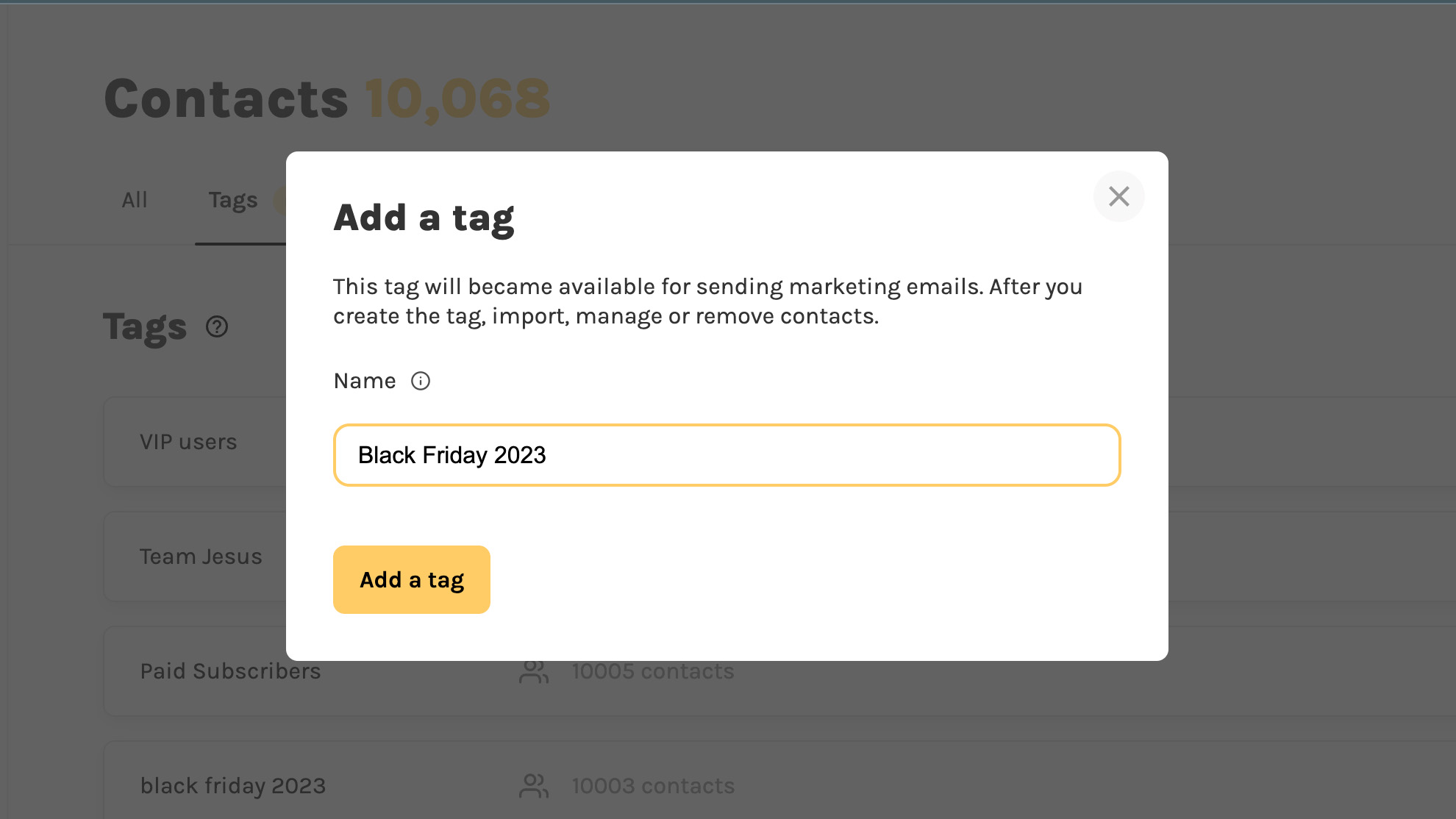 1. Go to your "**contacts**" and click on the new tab "**Tags**".2. Put a unique tag name (e.g: "Black Friday Lead") and click "**Create tag**"3. Your tag is created and you can import new contacts! ### Import contacts and assign tags 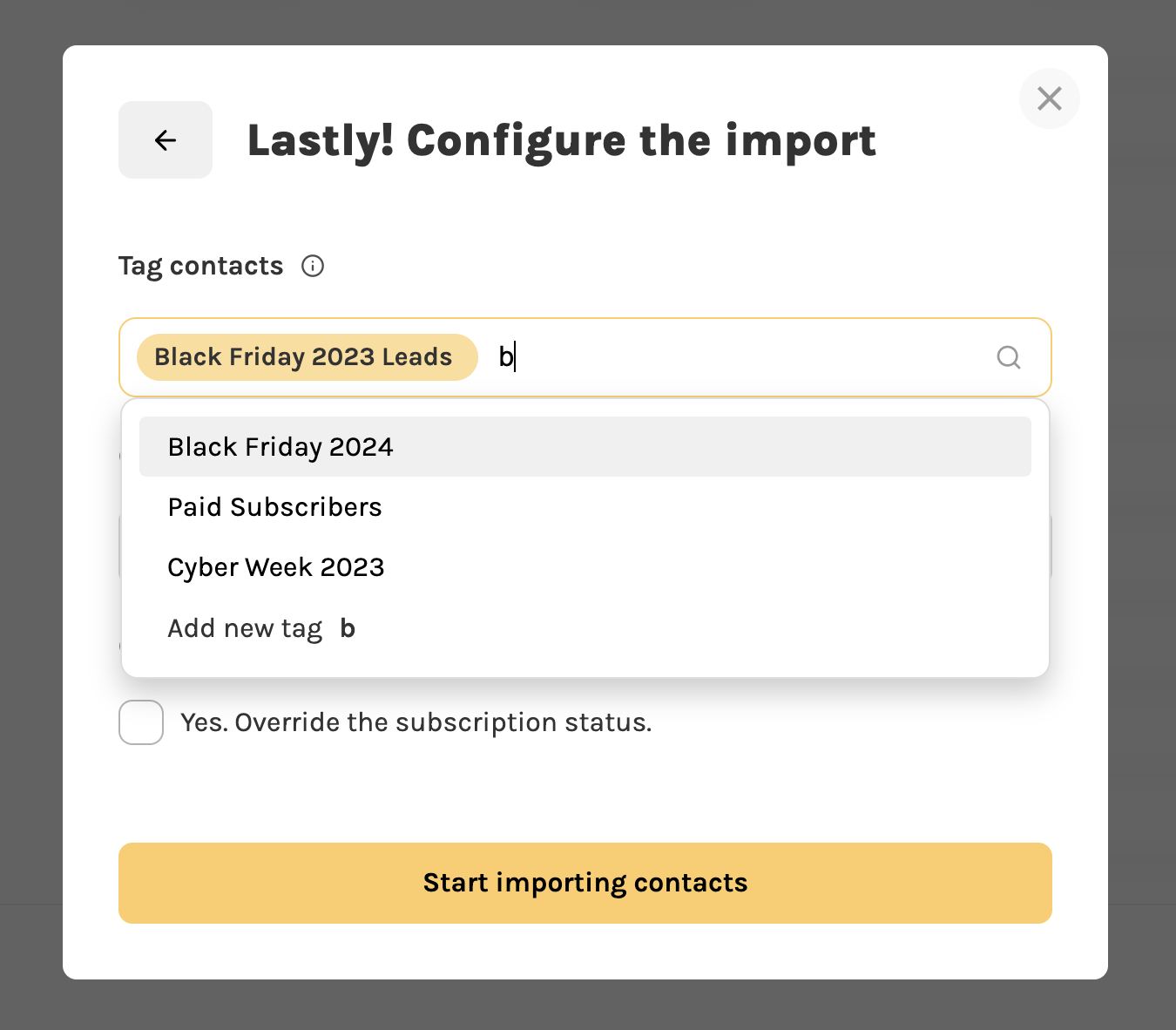 We updated the CSV importer to support tagging your contacts: 1. Click on "**Add contacts**" -> "Import CSV"2. In the last step, you can assign in bulk the same tag to multiple contacts. ### Send emails to specific contacts 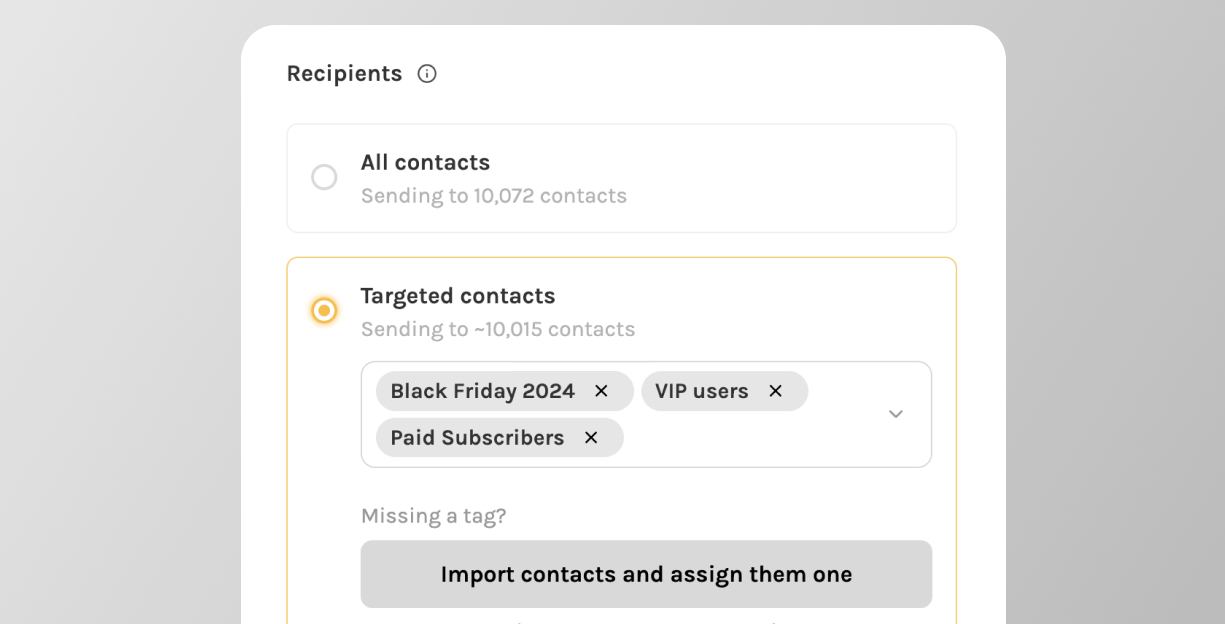 Thanks to the new tag feature you can now [send email campaigns](https://smashsend.com/features/email-marketing) to specific users. 1. Create an "**email campaign"**2. **In the last step, choose the list of tags to send the email to.**3. You will see a preview of the total number of contacts that will receive your email Ready? [Create your tag and email campaign now](https://app.smashsend.com/signup)
