smashsend.com
How to import subscribers from CSV into SmashSend - SMASHSEND
/support/import-subscribers-from-csv
- Words
- 525
- Reading time
- 2 min
- Published
- 2023-02-10
- Last crawled
- 2026-09-27
- Language
- EN
Have a waitlist on Google Sheets, Google Form, Airtable, Mailchimp, or any other service? it's time to get 10x more users for your business.
Bring your subscribers to SmashSend in a breath and start creating a waitlist, referral marketing campaign, or gamified competition.
In this tutorial, you will learn how to do it in just a few minutes.
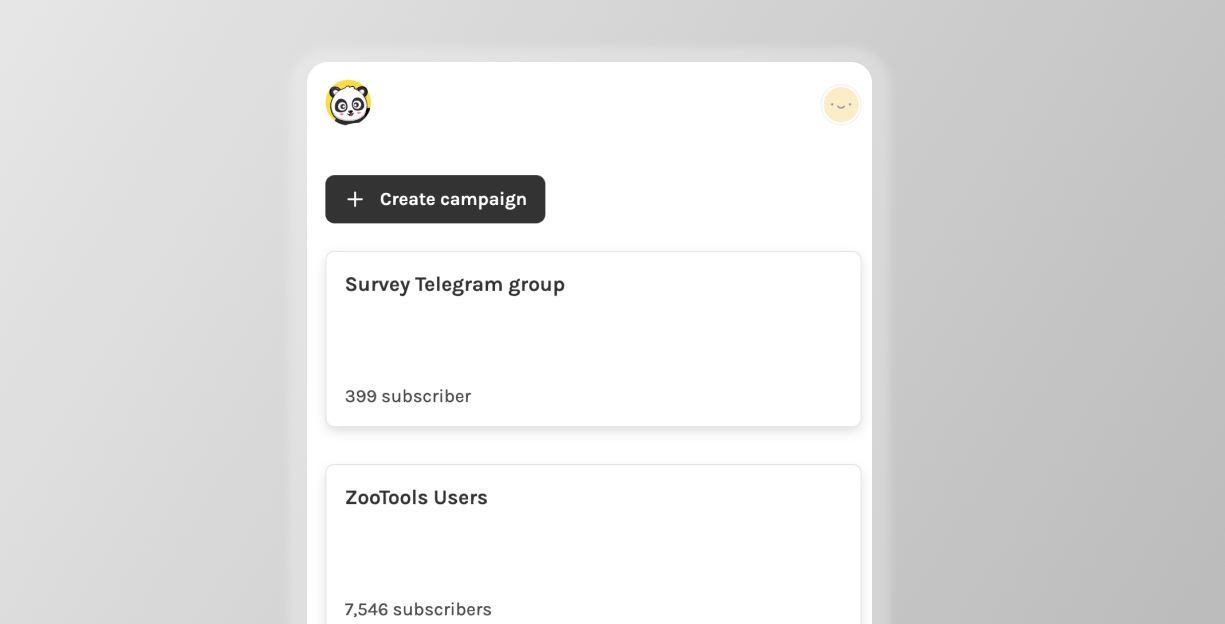
Step 1 - Open your SmashSend dashboard
Go to the project you want to import on https://panda.smashsend.com/lists or create a new project right from the dashboard.
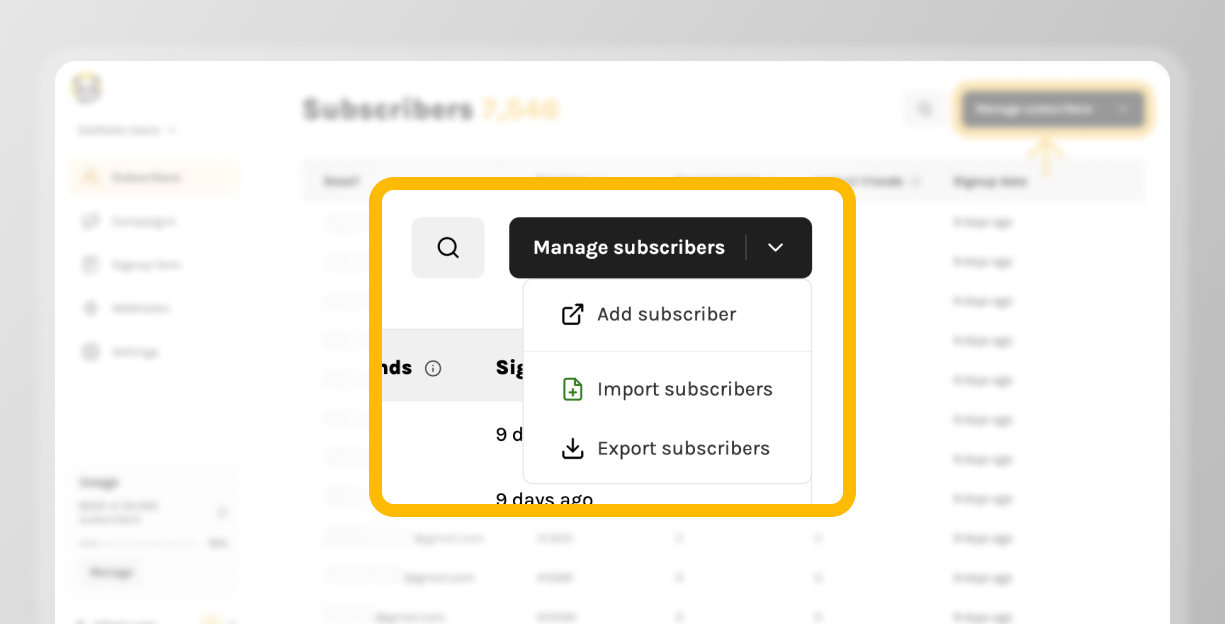
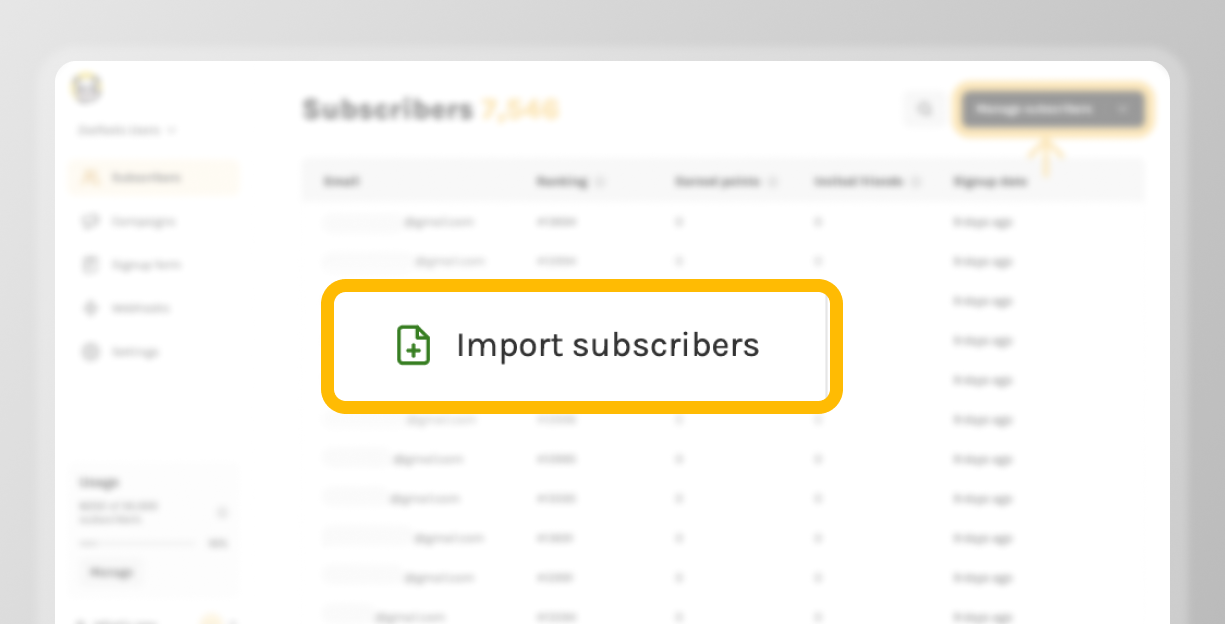
Step 2 - Click on "import subscribers"
On your subscriber's page, click the “Manage subscribers” dropdown
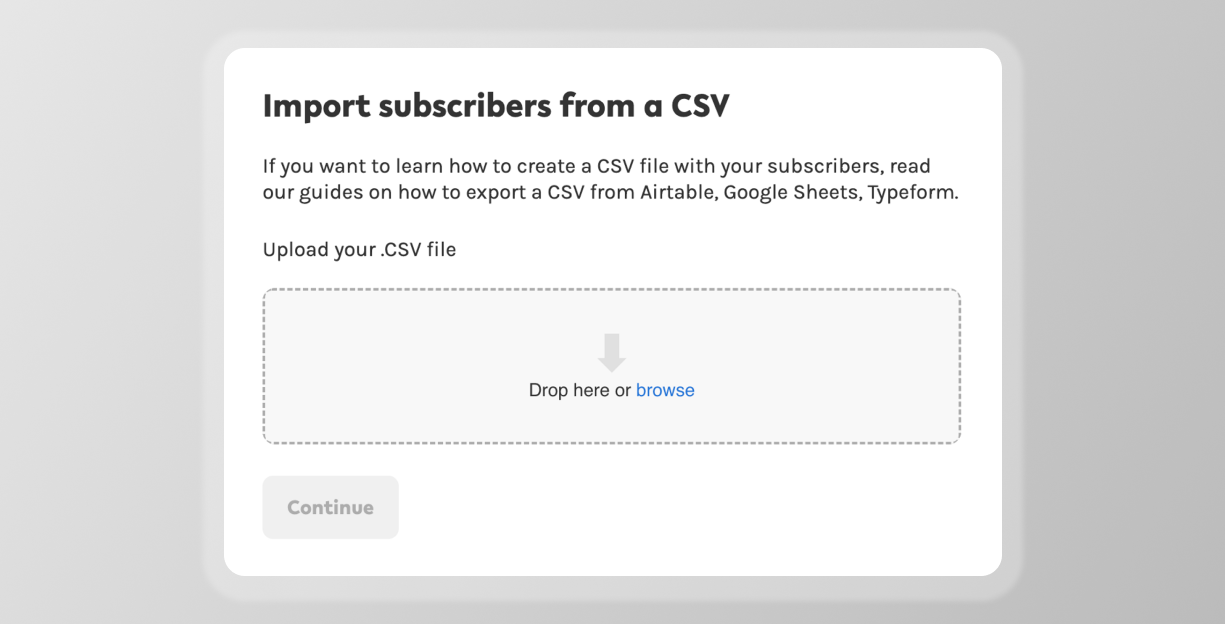
Step 3 - Drag & drop your file
We recommend importing a .CSV file that has a header row so we can automatically detect the columns to help you do the matching.
Step 4 - Match each column
In order to know how to import your data, you have to tell us which type of content each of the CSV columns holds.
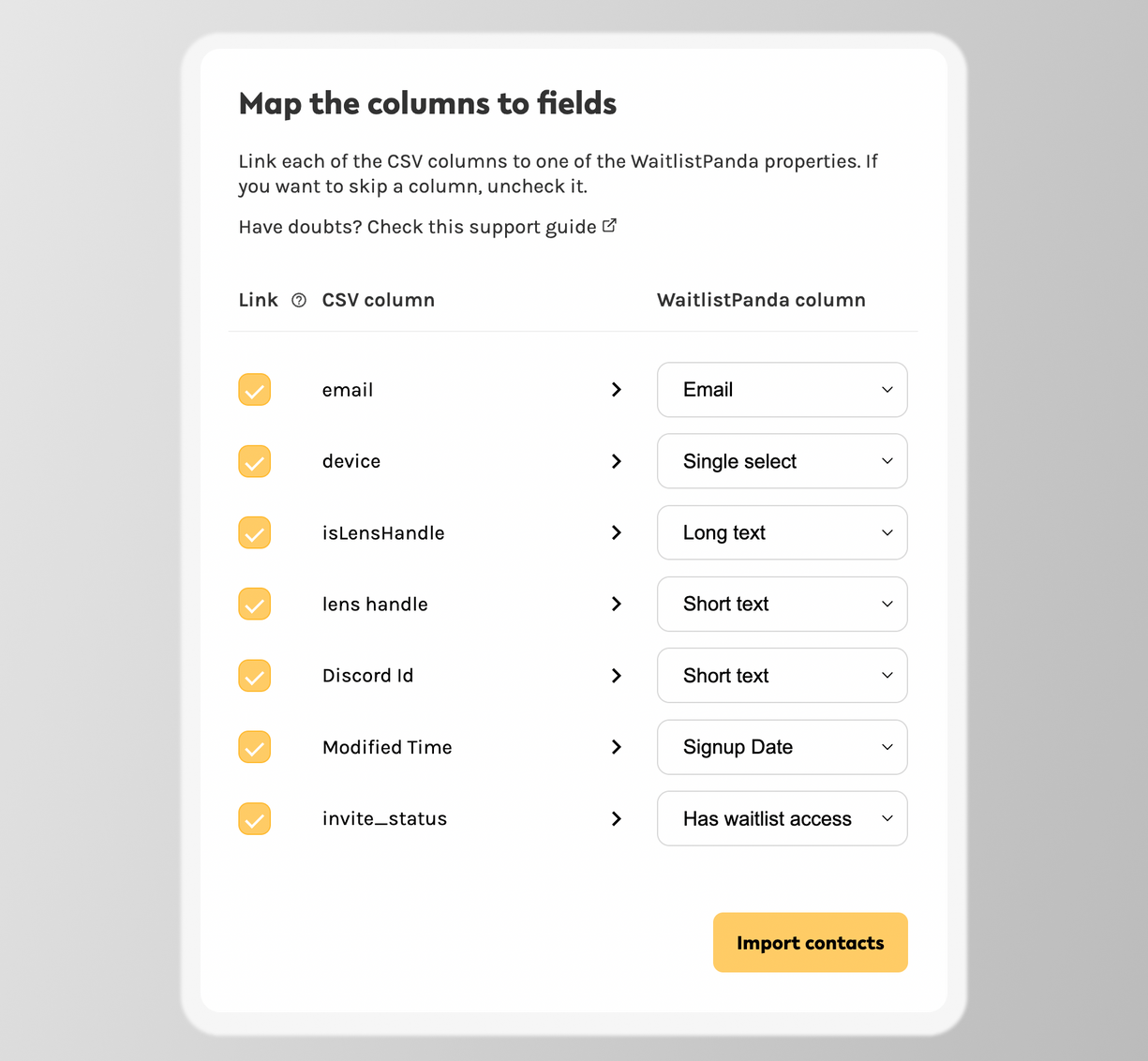
It’s a simple process, but it can be overwhelming at first. So here is a simple guide to help you decide how to link your CSV column to Panda. In case of doubt, please reach out to us support@smashsend.com
Column type
What’s this?
Email*
User email. It’s a required field. However, instead of email you can use the crypto wallet address as the primary form of identification of the user. This email will be used in the future by you to communicate with your user. If we detect duplicated or invalid emails, the CSV importer will report that to you.
First name
Asking for a user's first name. You will be able to use this information in SmashSend for email customization and more features.
Last name
Asking for a user's last name. You will be able to use this information in SmashSend for email customization and more features.
Single select
Allows to store single select questions. Example: Yes or No answers, or questions where you give options to your users. Like, what’s your phone model (”Apple”, “Samsung”, “HTC”, etc)
Crypto Wallet Address
Allows you to collect wallet addresses from your users. We support ETH-valid addresses. If you need us to support another type of address, send us an email support@smashsend.com
Short text
Max 50 characters - Collect short responses from your users. For example, what’s your discord ID, how old are you, etc.?
Long text
Max 600 characters - Collect long-form answers from users.
Asking for their Twitter username.
Location
It helps you collect a location from a user. Soon we’ll automatically collect user locations from our service, so you may not need to add this information.
Signup date
If you want to preserve the signup date of a subscriber, you can import that from here.
(*) means required field.
Step 5 - Congrats!
Once you finish the flow, SmashSend will automatically import all your subscribers and it will also update your public form with the new fields so you can start collecting that information.
⁉️ Have doubts or questions? Send us an email to support@smashsend.com or directly reach out on Twitter @ZooTooolsHQ
Ready to go? Time to go back to Panda → https://panda.smashsend.com/
